# Crayon Syntax Highlighter Abandoned. Here are 3 Solid Gutenberg-Ready Alternatives

<div class="lead-paragraph"><span class="dropcap">A</span>fter 3 years without an update, the Crayon Syntax Highlighter for WordPress is no longer a reliable source. Here are 3 solid Gutenberg-friendly alternatives you should try.</div><div class="max-w-4xl mx-auto px-4 sm:px-6 pt-4">             <div class="border-t dark:border-slate-700"></div>           </div>

<p>Now don't get me wrong, Crayon Syntax Highlighter still works. In fact, at the time of this post, I am still using it on my own site. If you are a developer, you may feel comfortable tweaking it and updating things inside the codebase yourself. But on a general note, outdated, unmaintained plugins are #1 reason WordPress sites get hacked. So I plan to remove it soon, and so should you.</p>

<p>But what do we switch to? What other great syntax highlighter can we use instead? </p>

<p>Well in my search, I was looking for:</p>

<ol><li>A syntax highlighter that was Gutenberg friendly (meaning they have their own blocks and block options)</li><li>A syntax highlighter that was updated recently</li><li>A syntax highlighter that looked to have a thriving future.</li></ol>

<p>Here's what I found:</p>

<h2>3 Top Alternatives to the Crayon Syntax Highlighter</h2>

<h3>1. SyntaxHighlighter Evolved</h3>

<figure class="textcenter"><img src="https://travismedia.gumlet.io/public/images/2019/12/syntaxhighlighter-evolved-syntax-highlighter-plugin-full.jpg" alt="" /></figure>

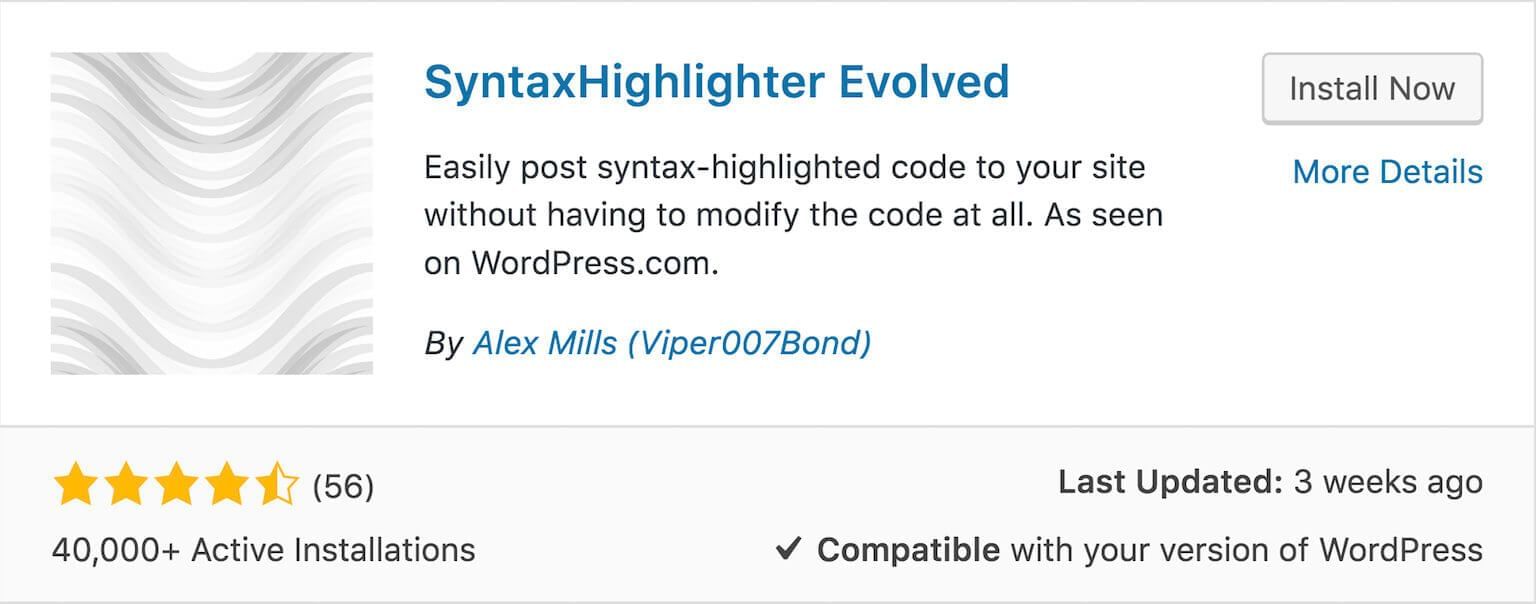
<p><a href="https://wordpress.org/plugins/syntaxhighlighter/" target="_blank" rel="noreferrer noopener" aria-label="SyntaxHighlighter Evloved (opens in a new tab)">SyntaxHighlighter </a><a href="https://wordpress.org/plugins/syntaxhighlighter/" target="_blank" rel="noreferrer noopener" aria-label="SyntaxHighlighter Evloved (opens in a new tab)">Evloved</a> is a great option and possibly the one I am going to go with. </p>

<p>Why?</p>

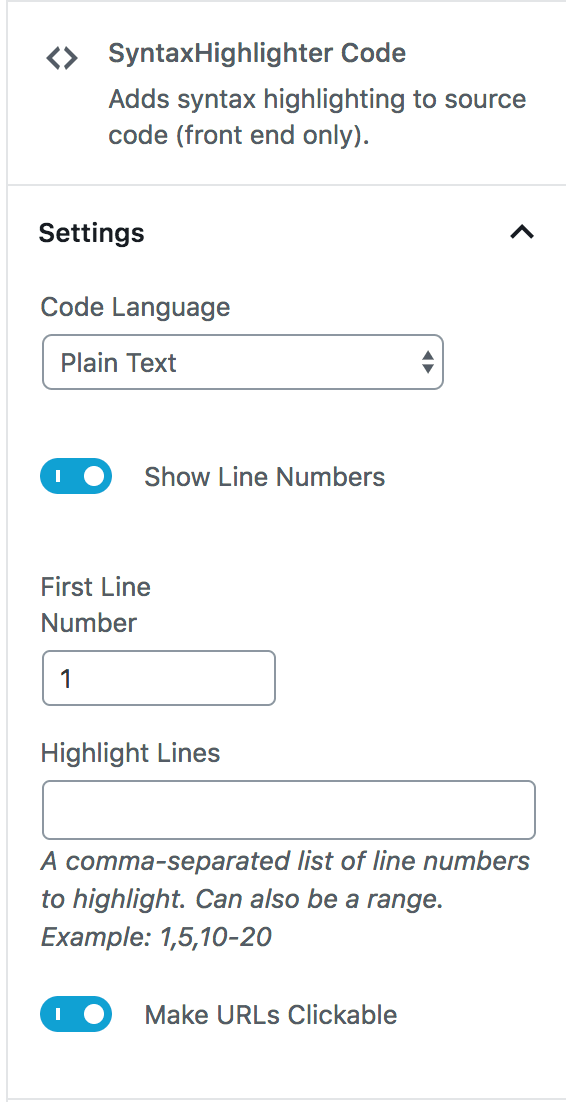
<p>Largely because of its support with the new Gutenberg block editor in WordPress 5.0+. I applaud plugins that keep in step with the latest updates, especially a major one like this. In fact, it's a block with its own unique settings:</p>

<figure class="textcenter"><img src="https://travismedia.gumlet.io/public/images/2019/12/syntaxhighlighter-evolved-block-options.png" alt="syntaxhighlighter evolved block options" width="296" height="576"/></figure>

<p>There are 7 default themes you can choose from and a good amount of styling options that can be chosen right from the block options (seen above). Just drop in your code.</p>

<p>The one issue I have with it is that there is, by default, no padding at the top or bottom of the code block so the code is pushed right up to the edge. However, it can be fixed easily by adding a little padding to the container. </p>

<p>With the padding and the RDark theme chosen, it looks pretty good with some PHP:</p>

<figure class="textcenter"><img src="https://travismedia.gumlet.io/public/images/2019/12/syntaxhighlighter-evolved-code-example.jpg" alt="" /></figure>

<hr class="wp-block-separator is-style-default"/>

<h3>2. Enlighter</h3>

<figure class="textcenter"><img src="https://travismedia.gumlet.io/public/images/2019/12/syntax-highlighter-enlighter-plugin.jpg" alt="" /></figure>

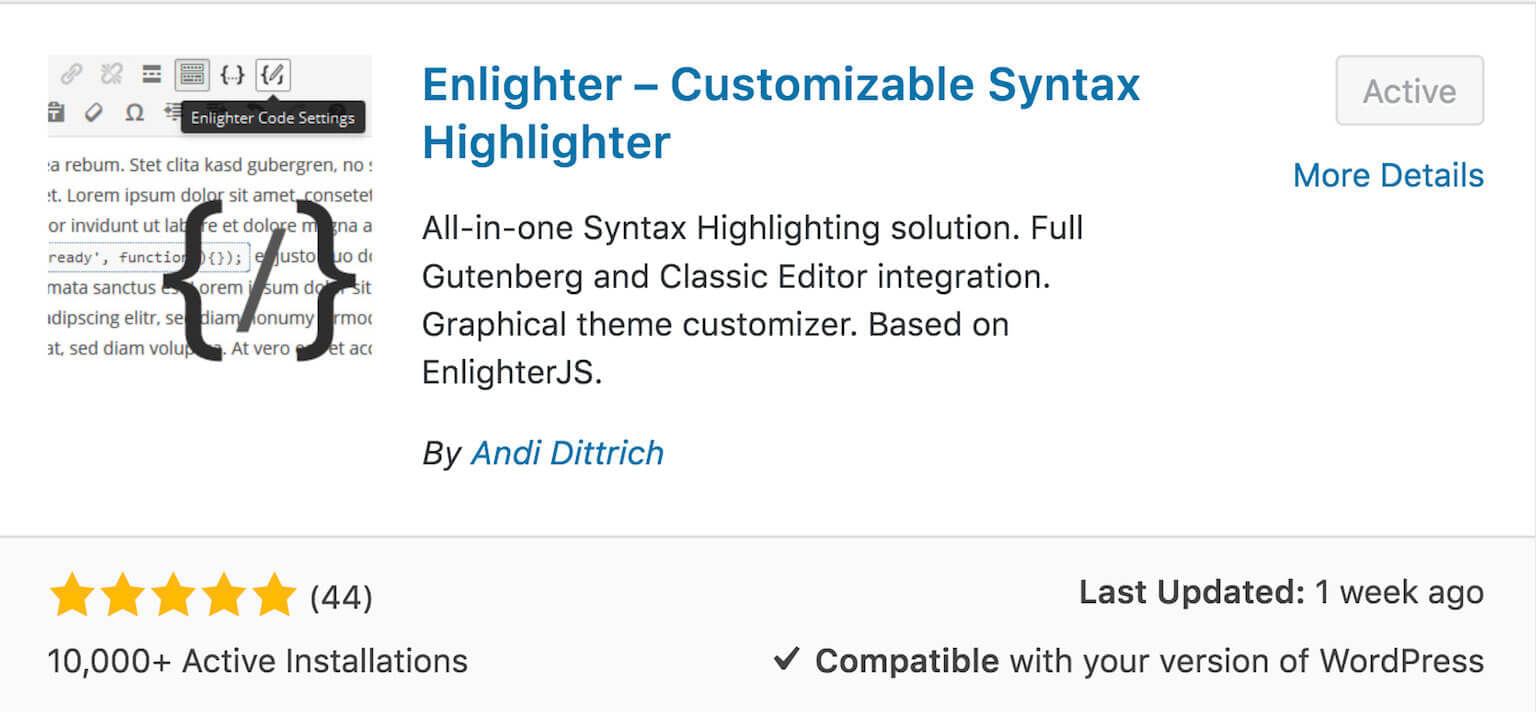
<p><a href="https://wordpress.org/plugins/enlighter/" target="_blank" rel="noreferrer noopener" aria-label="Enlighter (opens in a new tab)">Enlighter</a> is another solid Syntax Highlighter that is Gutenberg Ready (though still technically in Beta) and based on EnlighterJS. This is another option that I may be going with on my site.</p>

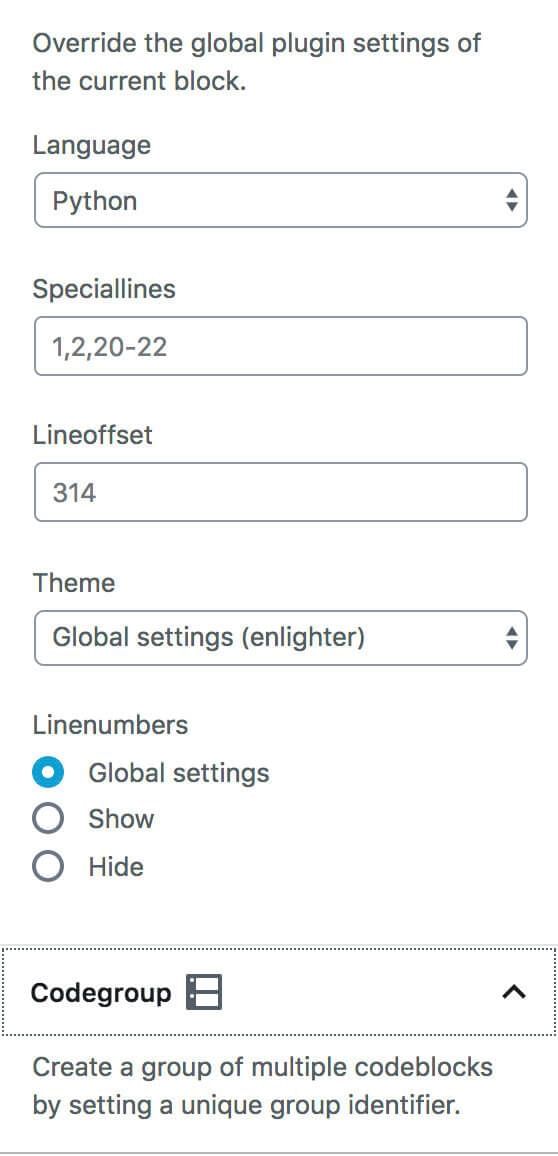
<p>Like SyntaxHighlighter Evolved, Enlighter has its own Gutenberg block and block options.</p>

<figure class="textcenter"><img src="https://travismedia.gumlet.io/public/images/2019/12/syntax-highlighter-enlighter-options.jpg" width="265" height="550"/></figure>

<p>Compared to SyntaxHighlighter Evolved, though, there are a LOT more options for customization. There are 17 themes and lots of options allowing you to select where you want it enabled at (Gutenberg only, the_content only, etc.). There are also integrations, extensions and the ability to change web fonts.</p>

<p>In addition, there is a new major update coming with new themes, new languages and a new highlighting engine. </p>

<p>Here's a look at some Python with their "Godzilla" theme (very clean, eh?)</p>

<figure class="textcenter"><img src="https://travismedia.gumlet.io/public/images/2019/12/syntax-highlighter-enlighter-sample.jpg" alt="" /></figure>

<figure class="textcenter"><img data-rjs="2" src="https://travismedia.gumlet.io/public/images/2019/12/syntax-highlighter-pinterest.jpg" alt="" width="437" height="655" /></figure>

<hr class="wp-block-separator is-style-default"/>

<h3>3. oEmbed Gist</h3>

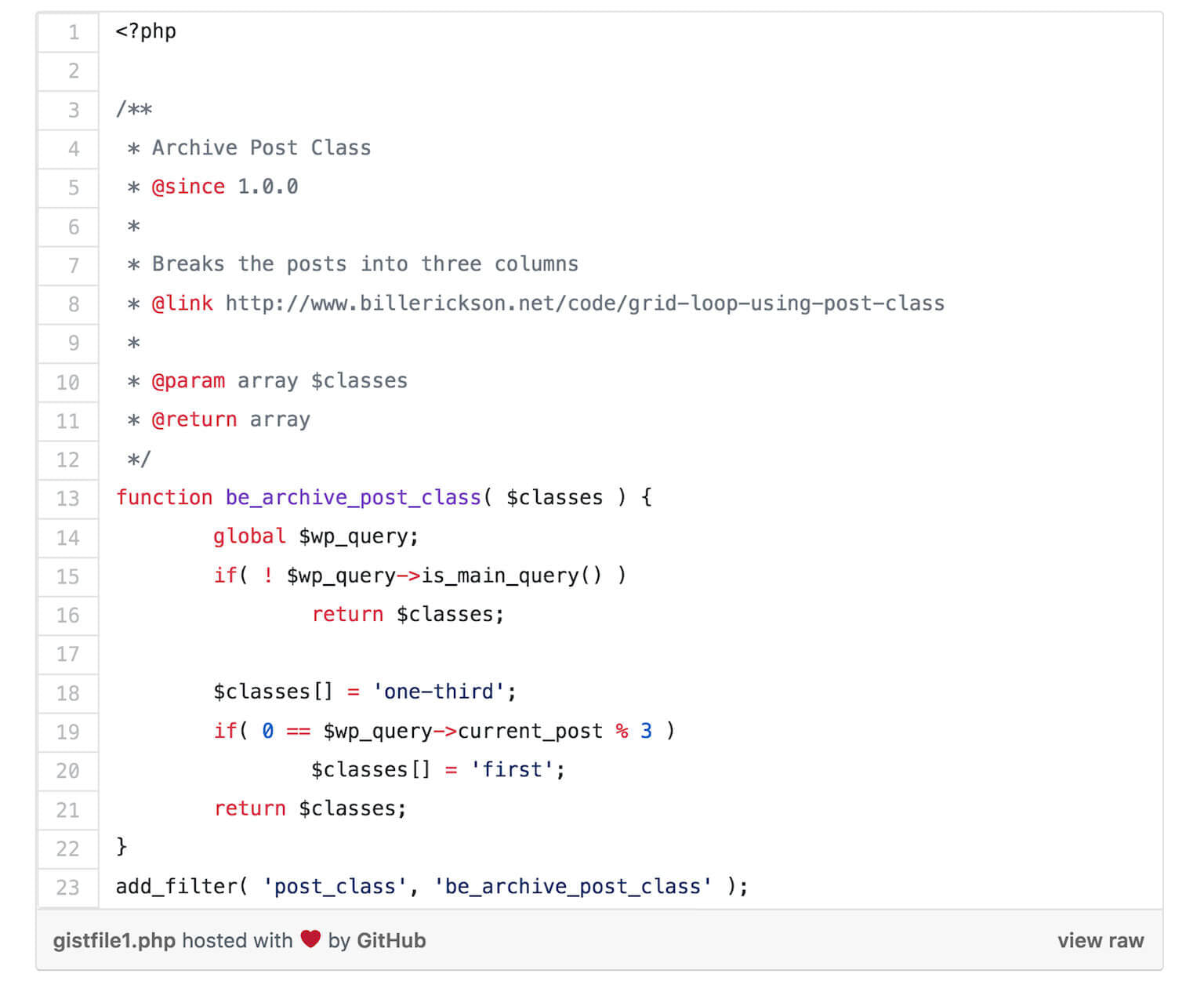
<p>If you have a habit of keeping your code snippets in Gist, then you can share that directly to your post using the <a href="https://wordpress.org/plugins/oembed-gist/" target="_blank" rel="noreferrer noopener" aria-label="oEmbed Gist plugin (opens in a new tab)">oEmbed Gist plugin</a>. </p>

<p>It's as simple as installing the plugin and pasting the URL in the Gutenberg text field. The result looks like this (just like a Gist!):</p>

<figure class="textcenter"><img src="https://travismedia.gumlet.io/public/images/2019/12/syntax-highlighter-gist.jpg" alt="" /></figure>

<hr class="wp-block-separator is-style-default"/>

<h3>Conclusion</h3>

<p>So it seems that at least two syntax highlighter plugins have stepped up as solid alternatives to the Crayon Syntax Highlighter and have not only kept up with the latest WordPress developments but look to have a bright future.</p>

<p><strong>Discussion: </strong>What Syntax Highlighter do you use? Did I miss any in the list?</p>