# How To SSH Into Minikube VM
Minikube is a lightweight implementation of Kubernetes that runs on your local machine. It essentially creates a VM and deploys a cluster consisting of one node only.
While using Minikube, there may come a time when you need to update the kube-apiserver manifest file or perform some other maintenance that requires you to SSH into the VM, itself.
Let's look at how we can easily SSH into the Minikube VM.
### 1. First, You'll Need The Name Of The Node:
Remember, Minikube is a single node.
Run the following command to get the _name_ of the node.
```bash
kubectl get nodes
```
It happens to be, brace yourself, **_minikube_**.
### 2. Now SSH Into The VM
Next, the Minikube CLI gives us a `minikube ssh` command that takes a `--node-string` argument (or -n for short).
(More info in the docs.)
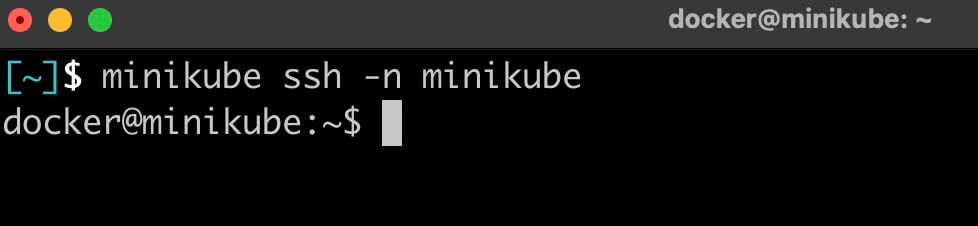
So to SSH into the Minikube VM, you'll simply need to run the following to get a shell:
```bash
minikube ssh -n minikube
```
### 3. Explore
From there, have at it.
For example, to access the manifest files, head to `/etc/kubernetes/manifests` and make your changes.
That's it!