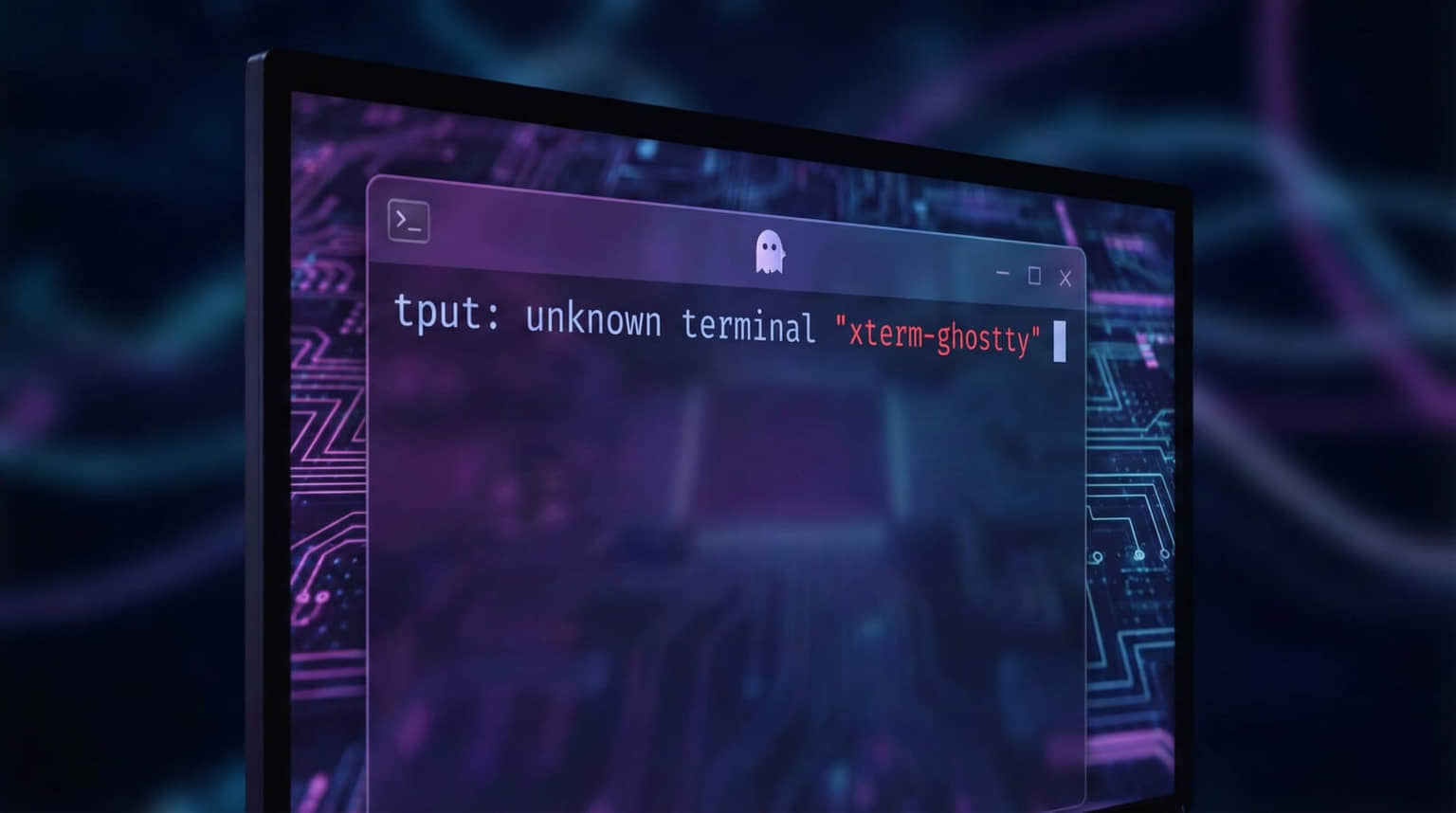
If you’re using Ghostty terminal and getting errors like this when SSH-ing into servers:
tput: unknown terminal "xterm-ghostty"Here’s the fix.
The Problem
Ghostty sets your terminal type to xterm-ghostty, and most servers don’t have a matching entry in their terminfo database. When programs like tput try to look up terminal capabilities, they fail because they don’t recognize it.
Newer versions of ncurses do ship a Ghostty terminfo entry, but it’s registered under the name ghostty, not xterm-ghostty. So even an up-to-date server can still throw this error unless the entry gets installed under the exact name Ghostty is asking for.
Fix It Right Now
You don’t need to touch any config to get unstuck immediately. Just reconnect with TERM overridden for that one session:
TERM=xterm-256color ssh your-serverThat’s it, no restart, no config file. It only fixes the current connection though, so you’ll need to do it again next time unless you set up one of the fixes below.
Stop It From Happening Again
Add this to your Ghostty config so every new SSH connection gets a real terminfo entry automatically:
shell-integration-features = ssh-env,ssh-terminfoConfig file location on macOS:
/Users/YOUR_USERNAME/Library/Application Support/com.mitchellh.ghostty/config.ghosttyConfig file location on Linux:
~/.config/ghostty/config.ghostty(The older filename config, without the extension, still works too.)
This only kicks in for ssh run directly from an interactive shell with Ghostty’s shell integration loaded, so background scripts and tools like mosh that manage their own terminal session won’t get it automatically. It also needs tic (part of ncurses) on the remote host; if that’s missing, Ghostty just falls back to TERM=xterm-256color for that session instead of failing.
Save the file, FULLY quit and restart Ghostty, then SSH into a server like you normally would. On the first connection to each host, Ghostty runs tic over that SSH session to install its terminfo entry on the remote machine. After that, xterm-ghostty works there for good, and you keep every Ghostty feature, including things xterm-256color doesn’t support, like styled underlines.
Simple Fallback
I used to just tell people to add this line to their Ghostty config and be done with it:
term = xterm-256colorIt still works. xterm-256color is available on pretty much every server’s terminfo database, so it connects almost anywhere without the extra setup above. The downside is you lose a few Ghostty-only extras like styled underlines, which is why it’s no longer the first thing I reach for.
This page may contain affiliate links. Please see my affiliate disclaimer for more info.