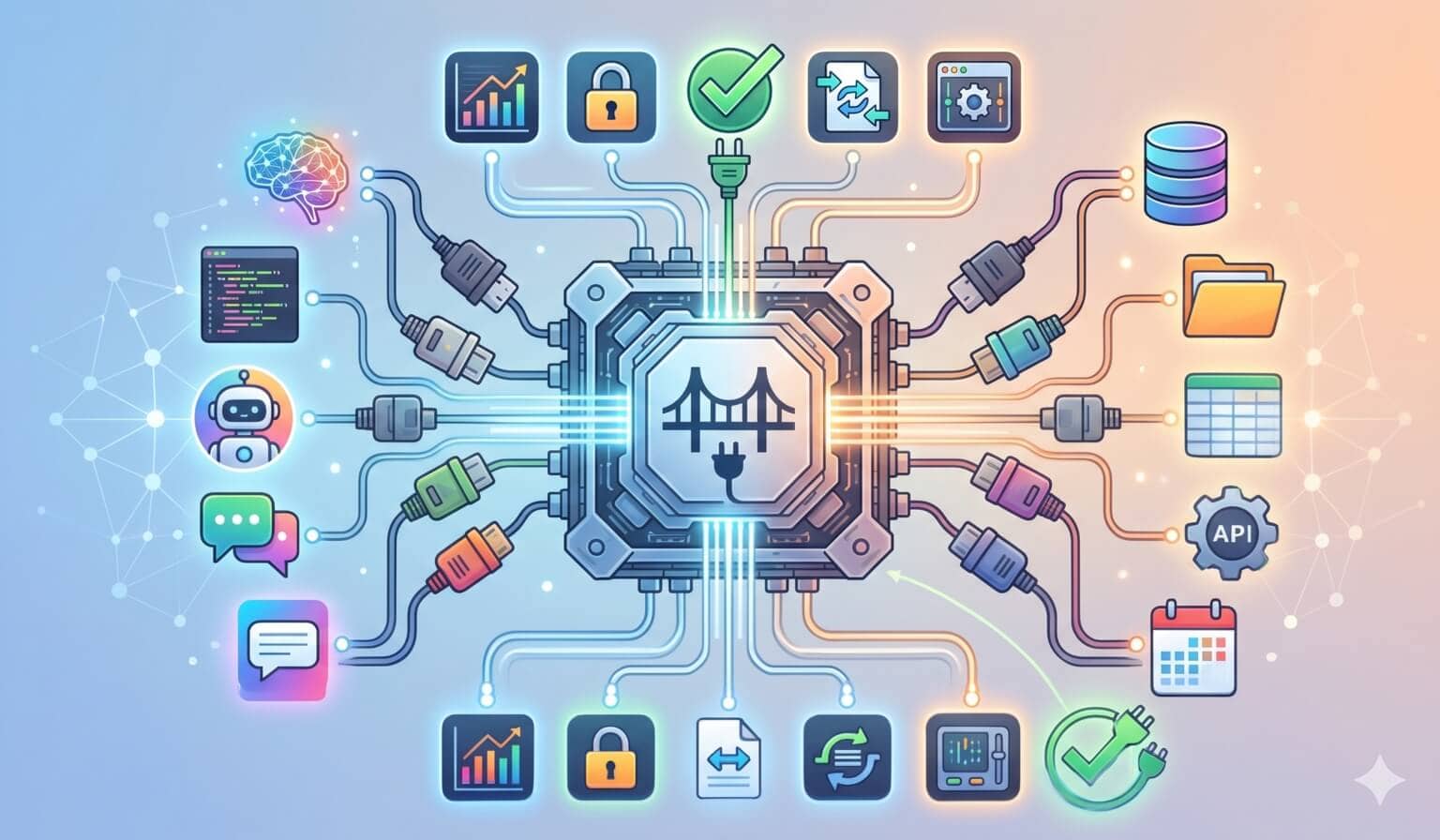
MCP started showing up everywhere at once.
Claude supports MCP. Cursor supports MCP. VS Code supports MCP. Your favorite AI tool probably has an MCP settings screen now.
And if you have not dug into it yet, the name makes it sound more complicated than it is.
MCP is a standard way for AI apps to connect to external tools, data, and systems.
Not a model. Not an agent framework. Not a prompt format. A protocol.
Think of it like a shared adapter between AI applications and the outside world.
The Problem MCP Solves
AI models are powerful, but by themselves they are isolated. They do not automatically know what is in your database, read your GitHub issues, query Sentry, inspect your Figma designs, or create a Linear ticket.
Every AI app could build its own one-off integration for every service. Claude could have one GitHub connector, Cursor could have another, VS Code could have another, and your internal agent could have another.
That gets messy fast.
MCP tries to solve that with a standard interface.
Instead of every AI tool reinventing every integration, an external system can expose an MCP server, and any MCP-capable app can connect to it through its built-in MCP client.
That is why people often describe MCP as a USB-C port for AI apps. A common connector for the whole ecosystem.
The Short Version
Six pieces make up the MCP architecture:
| MCP Piece | What It Means | Practical Example |
|---|---|---|
| Host | The AI app you are using | Claude Desktop, Claude Code, Cursor, VS Code |
| Client | The connector built into the host | Claude Code’s internal connection to a GitHub MCP server |
| Server | The external capability provider | GitHub MCP server, Postgres MCP server, Slack MCP server |
| Tools | Actions the model can call through a server | Create an issue, query a database, search docs |
| Resources | Context the model can read through a server | Files, schemas, documents, project data |
| Prompts | Reusable prompt templates exposed by a server | A code review prompt exposed by the server |
The host is where the conversation happens. The client is the connector inside that host. The server is where the capability lives. MCP is the shared language between the client and the server.
Docs: MCP Introduction
Hosts, Clients, and Servers
The MCP architecture has three main roles.
Host
The host is the AI application.
This is the app the user interacts with.
Examples:
- Claude Desktop
- Claude Code
- Cursor
- VS Code with an AI assistant
- A custom internal AI app
The host is responsible for the user experience: chat, approvals, tool display, permissions, and how context gets shown to the model.
Client
The client is the piece inside the host that talks to an MCP server.
This is the part that gets confusing, so here is how to think about it.
The client is not the app you are using. That is the host. The client is not the external integration. That is the server. The client lives inside the host as the connector between the two.
If you are using Claude Code with a GitHub MCP server, Claude Code is the host, the GitHub MCP server is the server, and Claude Code has an MCP client inside it that knows how to talk to that server.
You usually do not think about the client directly as an end user. It is the plumbing inside the AI app. It handles protocol messages, capability negotiation, and communication with the server. In practice, one host can create separate MCP clients for separate MCP servers.
Server
The server exposes capabilities. This is where the useful external stuff lives.
Examples:
- A GitHub MCP server exposes repositories, issues, pull requests, and CI status.
- A Postgres MCP server exposes database schemas and query tools.
- A Slack MCP server exposes channels, messages, and search.
- A filesystem MCP server exposes files and directories.
- A Figma MCP server exposes design context.
The server does not replace the AI model. It gives the AI model access to something outside itself.
Docs: MCP Specification
The Three Big Server Features
Most developers should understand three MCP concepts first:
- Tools
- Resources
- Prompts
These are the pieces you will hear about most often.
Tools: Things the Agent Can Do
Tools are functions the AI app can call through an MCP server. They are actions.
Examples:
create_github_issuesearch_slack_messagesquery_databaseget_weatherread_sentry_errorcreate_linear_ticketrun_browser_search
A tool usually has a name, a description, an input schema, and a result.
The model sees the tool, decides when it is useful, and asks the client to call it. The client sends the request to the MCP server. The server runs the action and returns the result.
Practical example
You ask:
Find the Sentry error behind this production bug and summarize the likely cause.An MCP server might expose a tool like:
get_sentry_issue(issue_id)The agent calls the tool, gets the stack trace and event data, then uses that context to explain the bug.
Without MCP, you paste the Sentry details manually. With MCP, the agent can fetch them through a standard interface.
Docs: MCP Tools
Resources: Things the Agent Can Read
Resources are data the server exposes as context.
If tools are verbs, resources are nouns.
Examples:
- A source file
- A database schema
- A project document
- A design file
- A customer record
- A log file
- A Notion page
- A dependency graph
Resources are identified by URIs. The key idea is that a resource gives the model context without necessarily asking it to take action.
Practical example
You ask:
Explain how authentication works in this app.A filesystem or repo MCP server might expose resources like:
file:///apps/api/src/auth/session.ts
file:///apps/api/src/auth/middleware.ts
file:///docs/auth.md
The AI app reads those resources and uses them as context for the answer. No action taken. The agent just got better context.
Docs: MCP Resources
Prompts: Reusable Workflows Exposed by a Server
Prompts are reusable prompt templates an MCP server can expose to a client.
This one confuses people because prompts sound like something you would just type yourself. But in MCP, a prompt can be a structured, discoverable workflow provided by a server.
Examples:
- “Review this code”
- “Summarize this incident”
- “Generate a migration plan”
- “Create a database optimization report”
A prompt can accept arguments, like a file path, issue ID, or code snippet.
Practical example
A code review MCP server might expose a prompt called:
code_reviewIt asks for the code or diff, then returns a structured review request the AI app can run. The user might invoke it through a slash command or UI action.
The value is consistency. Everyone gets the same review framing instead of inventing a new prompt every time.
Docs: MCP Prompts
MCP Is Not the Same Thing as Skills
MCP gives the agent access.
Skills teach the agent a workflow.
Those are different jobs.
A GitHub MCP server might give Claude the ability to:
- List issues
- Read PRs
- Comment on reviews
- Check CI status
- Create branches
But it does not automatically know your team’s GitHub workflow.
A Skill might teach:
- Check for duplicate issues before creating a new one.
- Use the team’s label conventions.
- Never close an issue without asking.
- Link related PRs.
- Summarize the decision in Travis’s writing style.
MCP is the hand. The Skill is the playbook. You often want both.
MCP Is Also Not an Agent Framework
MCP does not decide your agent loop.
It does not define your planning strategy.
It does not tell the model how to reason.
It does not replace evals, tests, permissions, or product design.
MCP is narrower than that. It standardizes how AI applications connect to external context and capabilities. That narrowness is why it can spread across so many tools — a protocol that tries to do everything ends up doing nothing well.
A Real-World Example: GitHub
Imagine you want an AI agent to help with GitHub issues.
Without MCP, you might paste issue text into chat:
Here is issue #428. Can you tell me what to do?That works, but it is manual.
With an MCP GitHub server, the agent can:
- Search existing issues
- Read issue comments
- Inspect linked pull requests
- Check CI failures
- Draft a response
- Create a follow-up issue
Now the interaction becomes:
Triage the new bug reports from this week and tell me which ones need attention.The agent can use GitHub tools and resources to gather context. You still want approvals for actions like commenting, closing, or creating issues. But MCP gives the agent a real interface to the system.
A Real-World Example: Postgres
Now imagine you are debugging a slow dashboard.
Without MCP, you copy schema snippets and query results into chat.
With a Postgres MCP server, the agent could:
- Inspect table schemas
- Read indexes
- Run safe read-only queries
- Explain query plans
- Compare row counts
- Suggest indexes
You might ask:
Why is this dashboard query slow? Look at the schema and suggest the safest improvement.The agent can gather context directly instead of guessing from incomplete snippets.
Again, permissions matter. You probably want read-only access for investigation and explicit approval for anything destructive.
A Real-World Example: Figma to Code
MCP also matters for design-to-code workflows.
A Figma MCP server can expose design information to an AI coding tool. The agent can inspect frames, component names, colors, spacing, and layout details, then generate code that better matches the actual design.
That is much better than describing a design in prose or pasting a screenshot and hoping the model infers everything correctly. MCP will not give you perfect UI output, but the agent can work from the actual design file instead of guessing.
The Security Part Matters
MCP is powerful because it connects AI systems to real tools and data.
That is also why it needs guardrails.
If an MCP server exposes a tool that can delete data, send messages, charge a credit card, or modify production infrastructure, the host needs to treat that seriously.
Good MCP setups should include:
- Clear tool descriptions
- Least-privilege access
- Human approval for risky actions
- Read-only modes where possible
- Logging and auditability
- Careful handling of secrets
- Clear UI showing what the agent is about to do
Do not connect an agent to everything with full permissions and hope vibes will save you.
That is not engineering. That is gambling.
Docs: MCP Security and Trust & Safety
When Should You Use MCP?
Use MCP when the agent needs a real connection to an external system.
Good reasons:
- The agent needs live data.
- The agent needs to call an API.
- The agent needs access to files or databases outside the local context.
- The integration should work across multiple AI clients.
- You want a standard way to expose tools and resources.
Bad reasons:
- You just need a project instruction.
- You just need a repeatable workflow.
- You just need a static style guide.
- You are trying to avoid writing clear prompts.
- You want to give the agent broad permissions without thinking through safety.
Need the agent to know something? Write context. Need a repeatable workflow? Use a Skill. Need live access to an external system? That is what MCP is for.
Why MCP Matters
AI agents are only as useful as the context and tools they can safely reach.
A smarter model helps. But a smart model trapped outside your systems still needs you to copy and paste everything.
MCP gives the ecosystem a standard way to connect models to the places where work actually happens.
That does not make every MCP server good. It does not make every integration safe. And it does not remove the need for judgment.
But it gives developers a shared pattern. Instead of building one-off connectors forever, we can build against a common protocol. That is how AI tools become less like isolated chat boxes and more like useful participants in real workflows.
Final Takeaway
MCP is the connection layer for AI apps.
Tools let the agent do things. Resources let the agent read things. Prompts expose reusable workflows. Servers provide the capabilities. Hosts decide how users interact with them.
MCP gives agents access to the outside world. Your job is making sure that access is useful, scoped, and safe.
Sources Worth Reading
- Anthropic: Introducing the Model Context Protocol
- MCP Docs: What is MCP?
- MCP Specification
- MCP Tools
- MCP Resources
- MCP Prompts
MCP FAQ
What is MCP in simple terms?
MCP, or Model Context Protocol, is an open standard that lets AI applications connect to external tools, data sources, and workflows through a common interface.
What are MCP tools?
Tools are functions exposed by an MCP server that an AI app can call, such as querying a database, creating a GitHub issue, searching Slack, or fetching Sentry errors.
What is the difference between MCP tools and resources?
Tools are actions the agent can call. Resources are context the agent can read, such as files, documents, schemas, logs, or records.
Is MCP the same as an agent framework?
No. MCP is a connection protocol. It standardizes how AI apps access external context and capabilities, but it does not define the full agent loop, planning strategy, or product workflow.
This page may contain affiliate links. Please see my affiliate disclaimer for more info.